
Download Affinity Designer Pattern Template
With this simple pattern template you are able to create seamless repeating pattern with Affinity Designer. In the featured tutorial of this article I will demonstrate how to work with the template and here you will find a german text version of the introduction into the pattern template. If you like my free Affinity Designer […]

Hampelmann – Jumping Jack
In diesem Tutorial zeige ich dir, wie du in Affinity Designer mit einer Vorlage für CSS Sprites einen animierten Hampelmann erstellen kannst. Das Video findest du auf meinem YouTube Kanal unter dem Titel #14 Affinity Designer – CSS Sprites Hampelmann Animation Inhalt des ZIP-Archives Hampelmann-Jumping-Jack.zip Hampelmann-Jumping-Jack.afdesign Hampelmann.html Hampelmann.png Die Datei Hampelmann-Jumping-Jack.afdesign ist eine Vorlage um […]

Affinity Designer Tutorial 13 – Download
Hier findest du die Affinity Designer Datei AP-iPad-Logo.afdesign zum Tutorial 13 Affinity Designer – Affinity Photo iPad Logo als Download.
AD Quicktip #10
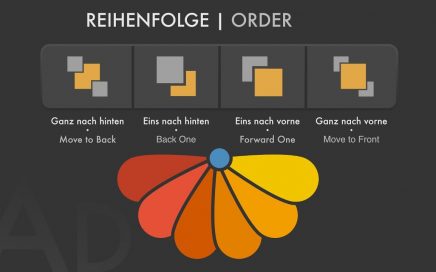
AD Datei zum Quicktipp Nr. 10 AD File of Quicktip #10
AD Bildpinsel – Bahnschienen DE
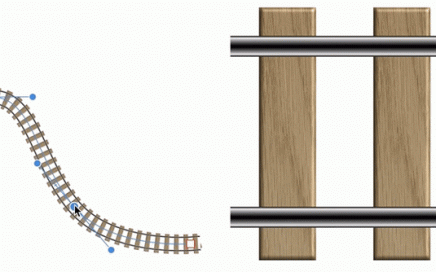
In der angehängten AD Datei mit Protokoll kannst du dir die Bearbeitungsschritte zur Pinselerstellung ansehen. Bearbeitungshinweise Gewünschtes Muster zeichnen. Muster ohne Hintergrund als transparentes PNG-Bild speichern. Neuen Bildpinsel erstellen. Konturfarbe des Pinsels auf ohne Farbe stellen. Pinsel über das Eigenschaftenfenster (Doppelklick auf den Pinsel oder rechte Maustaste Pinsel bearbeiten) auf wiederholen stellen.

AD Kompass mit 360° Teilung DE
Die Datei ist mit einem Protokoll gespeichert. Im Panel Protokoll kannst du dir die einzelnen Arbeitsschritte mit dem Silder noch einmal in Ruhe ansehen. Trotz allem noch eine kurze Anleitung… Anleitung: Kreis vom Zentrum aus zeichnen. Ersten Teilstrich erstellen Rotationspunkt des Teilstriches auf die Mitte des Kreises legen (magnetische Hilfslinien einschalten) Duplikat mit ⌘ + […]
FLOWER POWER BRUSHES
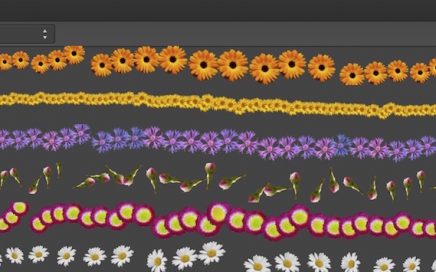
In this collection of brushes, you will find free flowers and leaves that you can use in Affinity Photo as well as Affinity Designer (Pixel Persona). The brushes are the following flowers or leaves: Marigold Sunflower Centaurea montana (with ants) Pear blossom Belli Margerite Crocus violet Poppy Pipe winding Chive blossom Vetches Tulip Crocus white-violet […]
AD Global Colors
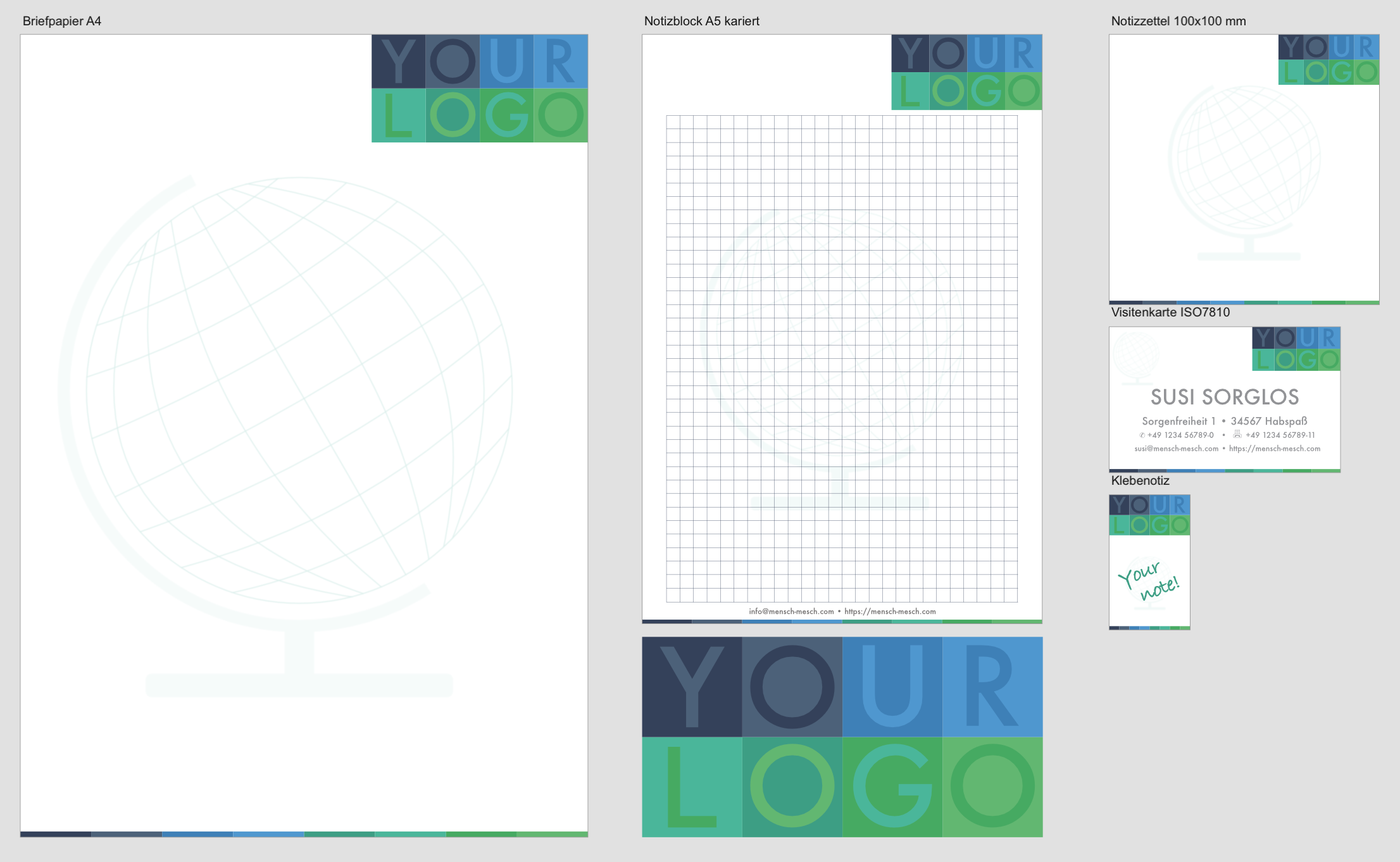
Affinity Designer sample file from the Quicktip #5 – Global Colors.